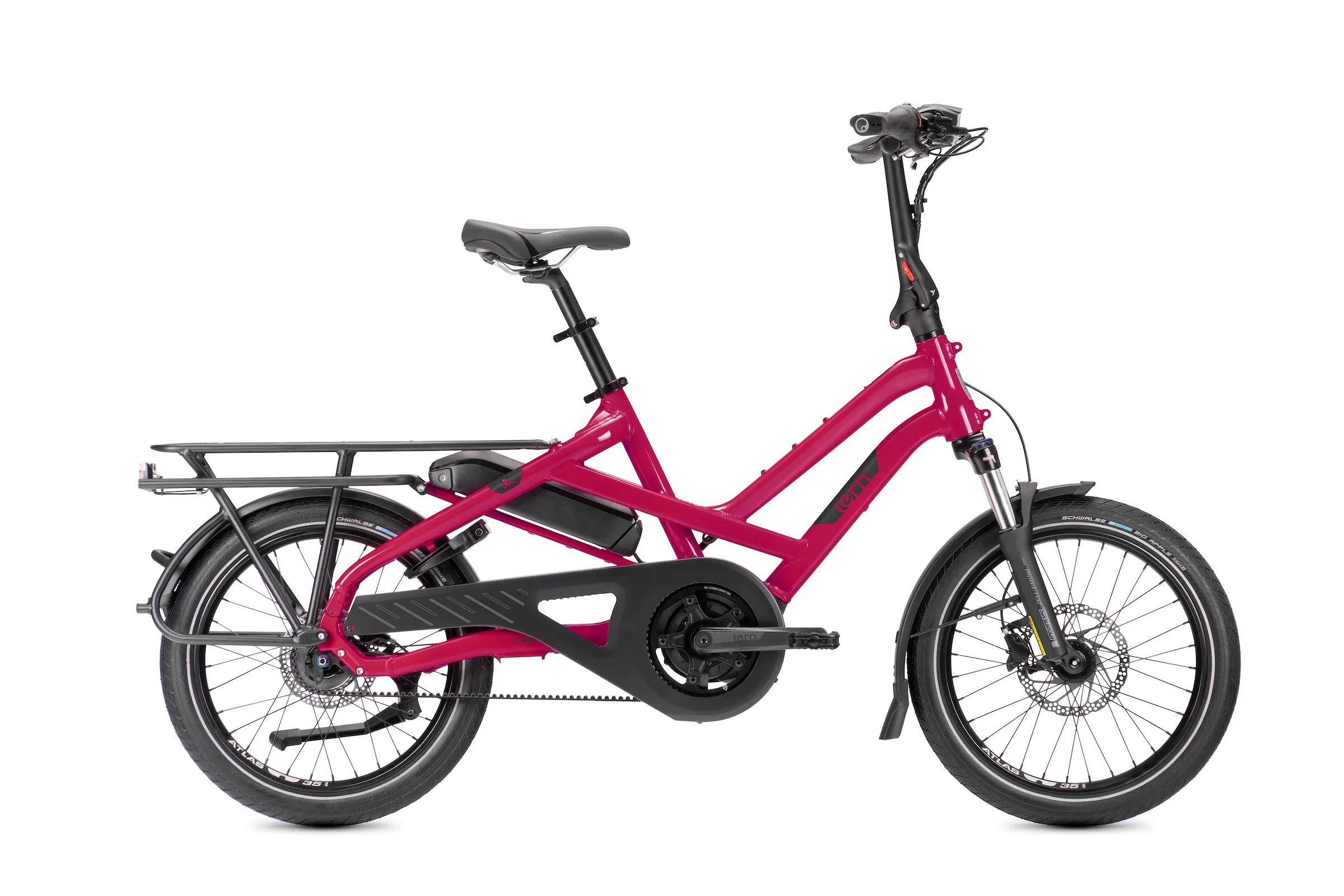
Transportation
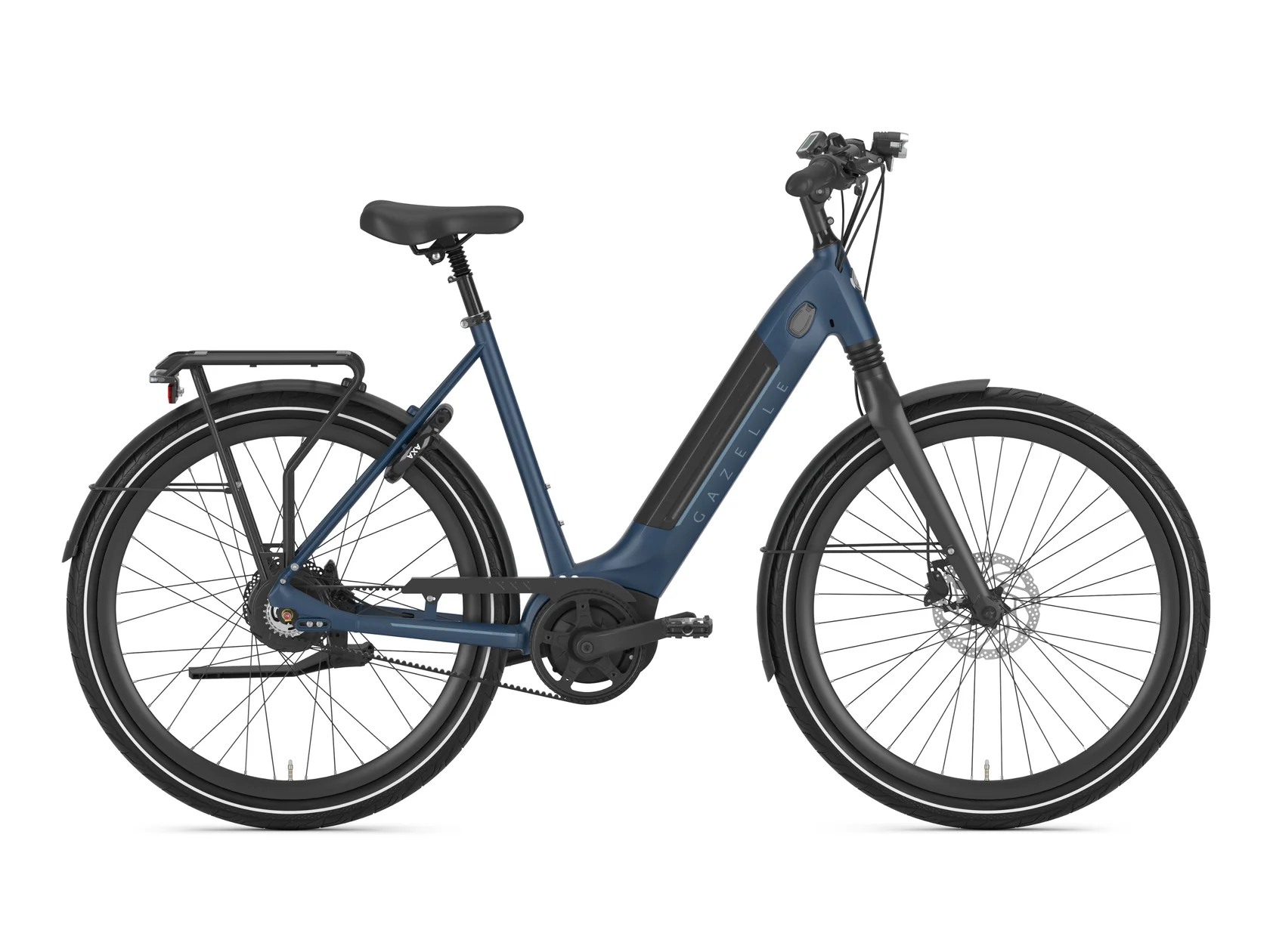
Gazelle Ultimate C380 HMB
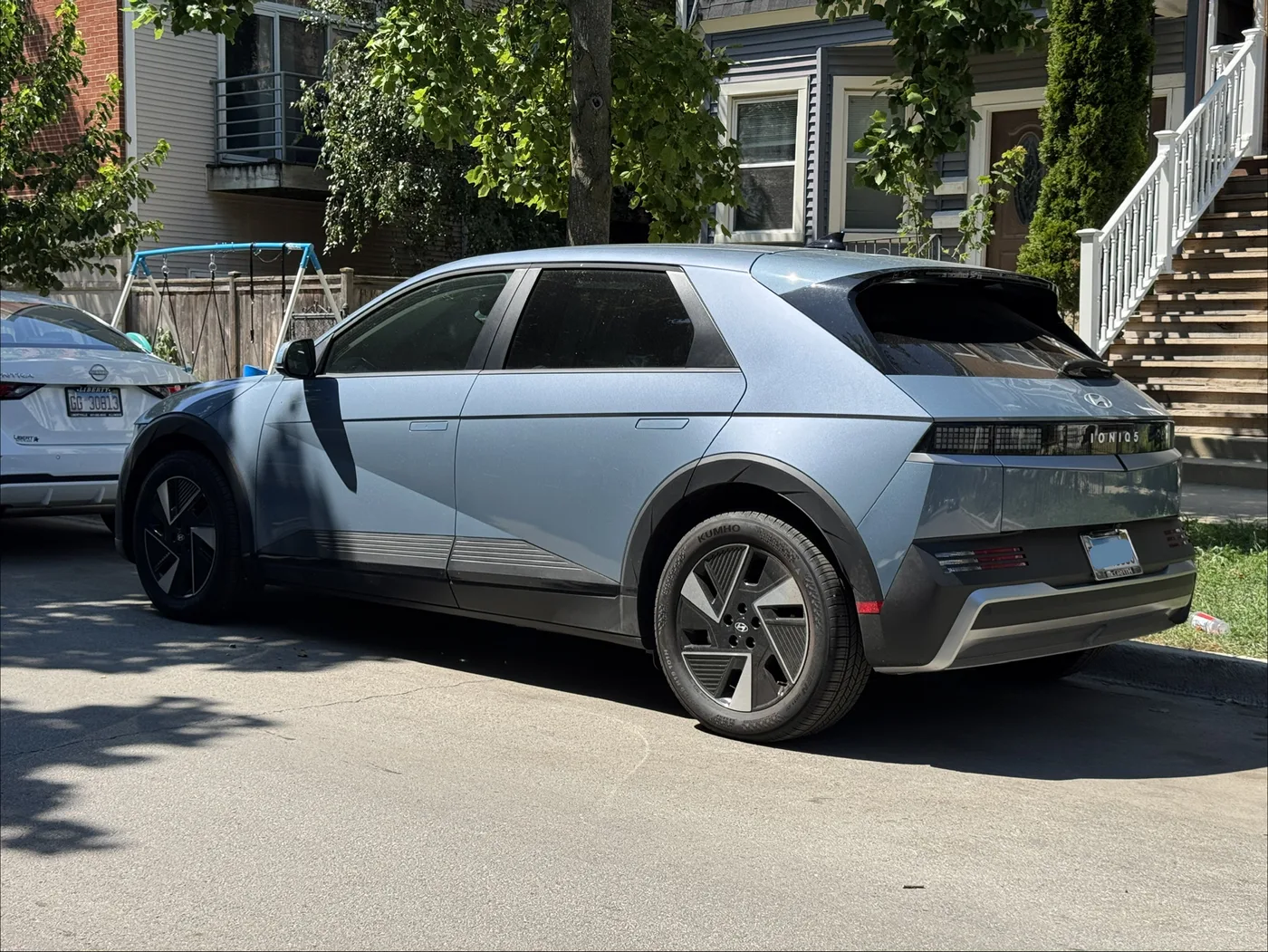
Hyundai Ioniq 5 SEL 2026
Accessories
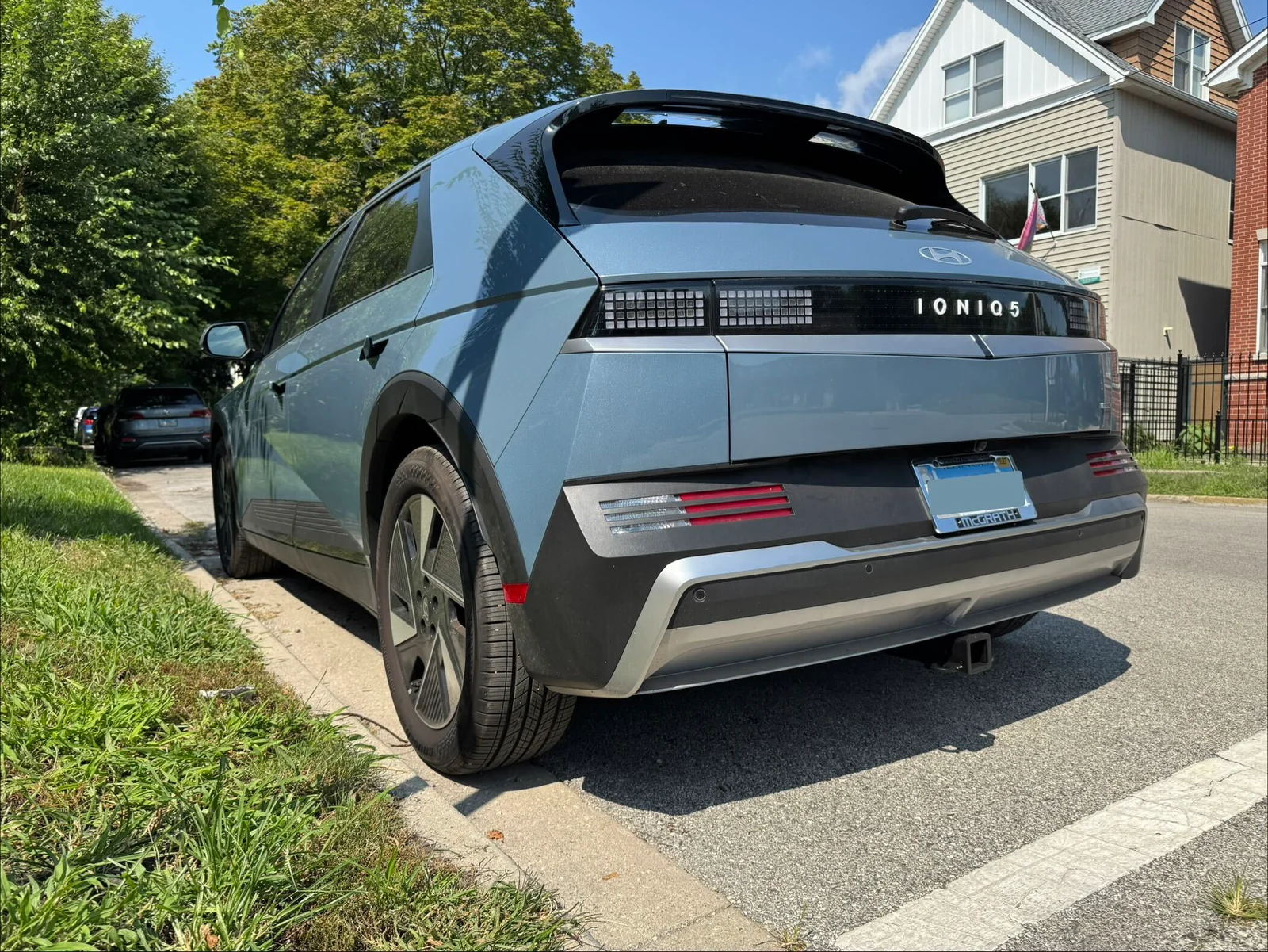
Torklift EcoHitch stainless steel tow hitch
We hired Joel from EVolution Mobile to install it.
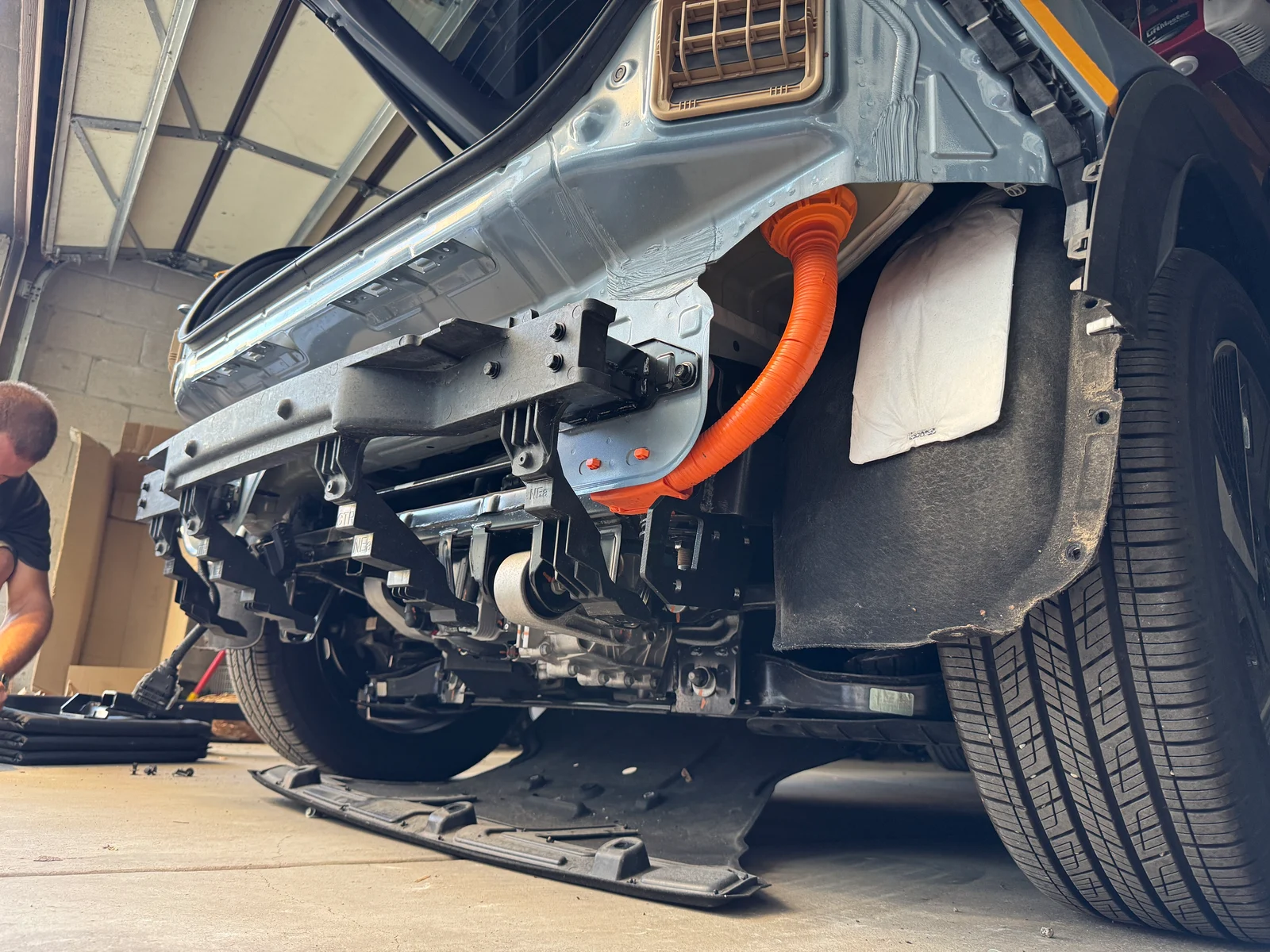
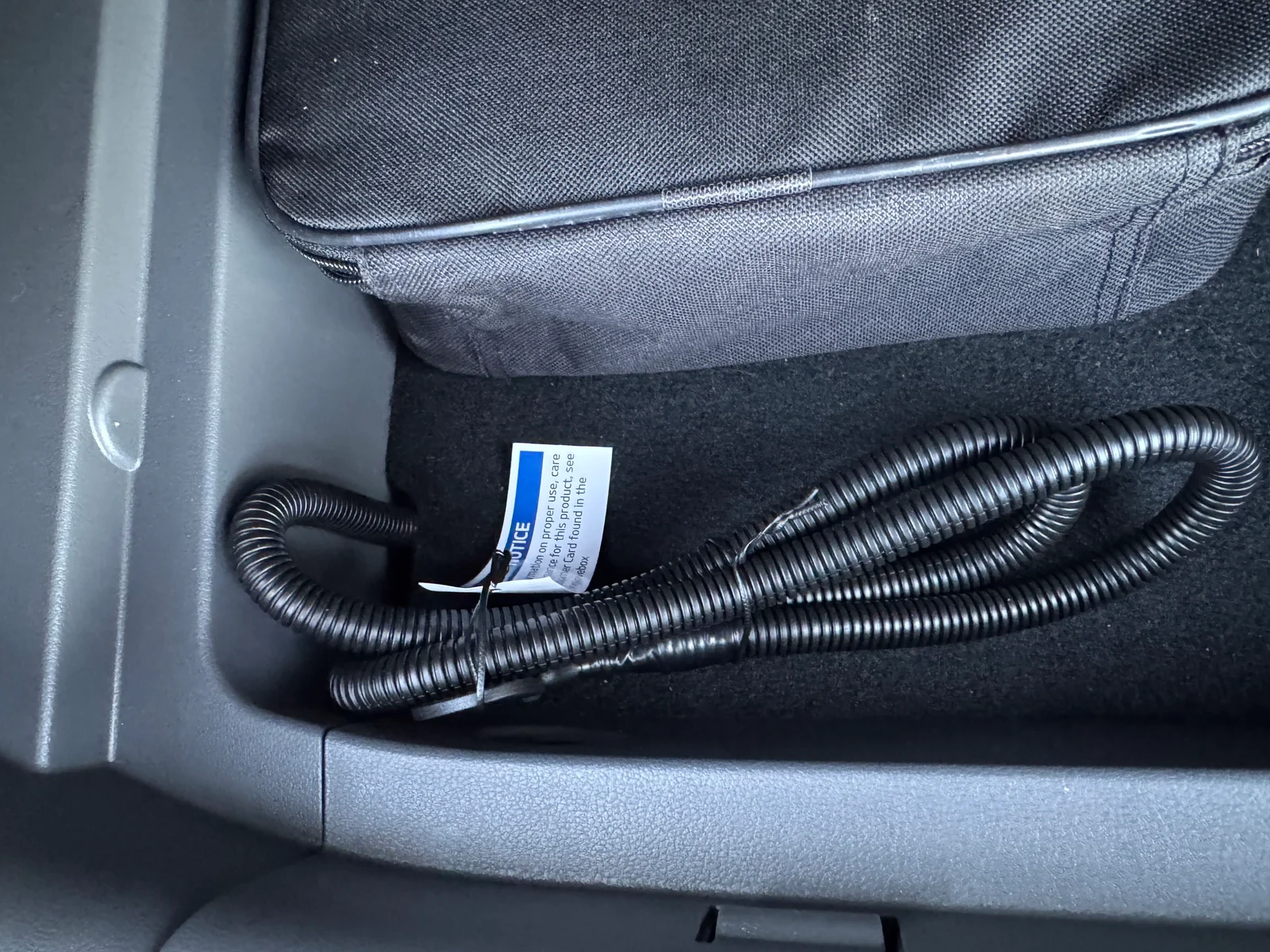
Hyundai trailer wiring harness
PIF67-AC000
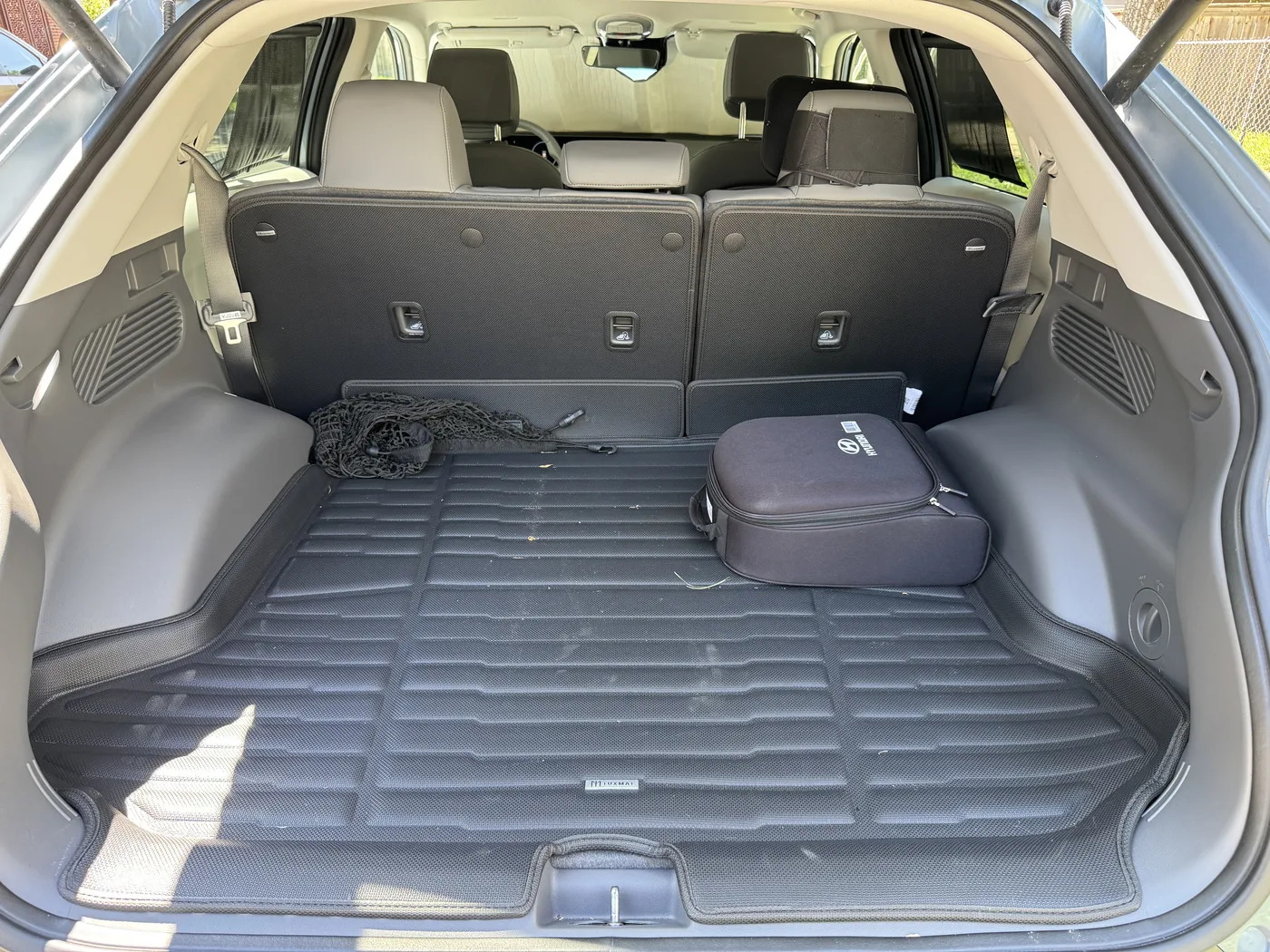
TuxMat floor mats
1st & 2nd Rows, and SuperTrunk
Home networking
My setup pairs a UniFi router with a second access point. The useful trick is MoCA: two little adapters turn existing coax into a wired connection between them, without running new Ethernet.
One network. A wired path between radios.
Fiber gatewayIP Passthrough
Express 7Router + Wi-Fi
Flex Mini 2.5GLAN switch
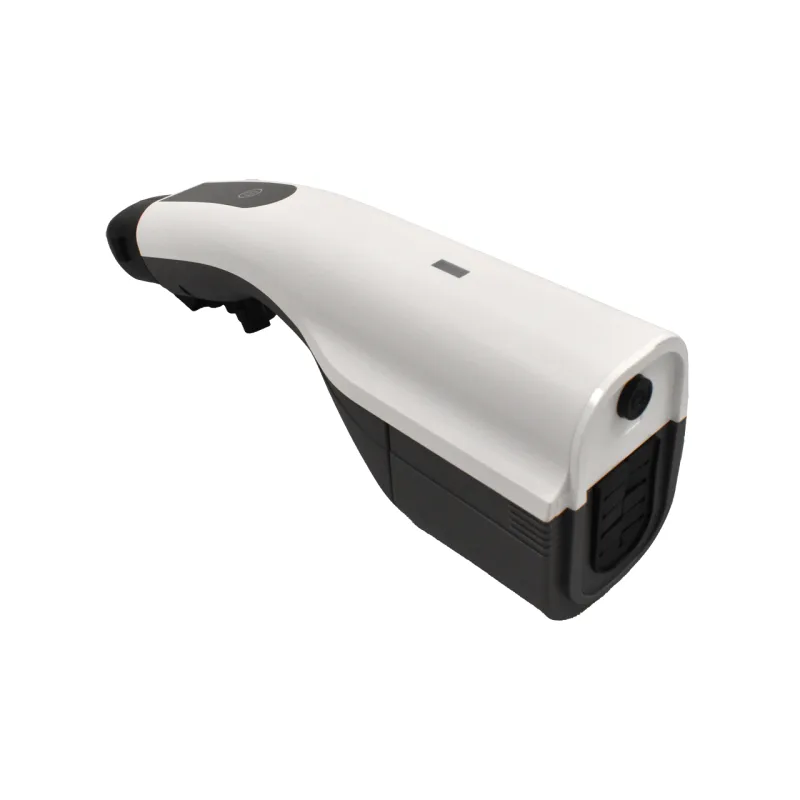
MoCA adapter AFrontier FCA252
MoCA adapter BFrontier FCA252
PoE+ adapter30W power injector
U7 LiteSecond Wi-Fi access point
Why the coax matters
An access point needs a connection back to the router, often called its backhaul. Here, that traffic travels over cable instead of another Wi-Fi hop. One MoCA adapter converts Ethernet to coax; the other converts it back.
The PoE+ adapter then adds power to the final Ethernet cable, so a single cable supplies both data and power to the U7 Lite. The Express 7 and U7 Lite provide Wi-Fi together, with a wired path behind them.
The equipment
- UniFi Express 71×
- The router, UniFi controller, and first Wi-Fi radio in one compact box. The fiber gateway hands the connection through to it.
- UniFi Flex Mini 2.5G1×
- A five-port switch that expands the router’s wired LAN and connects the MoCA backhaul.
- Frontier FCA252 MoCA 2.5 adapters2×
- A pair of adapters with 2.5 GbE ports, one at each end of the coax link. Bought through eBay.
- UniFi 2.5G PoE+ Adapter (30W)1×
- Injects power after the coax link, while passing Ethernet data through to the access point.
- UniFi U7 Lite1×
- A second Wi-Fi access point with a wired uplink, extending coverage beyond the router’s own radio.
Software
Recommendations coming soon.
Children
Recommendations coming soon.
Kitchen
Recommendations coming soon.